
 ATOM
 OSMO
 ETH
v9.2.6

DESKTOP APPLICATION
Self-custody desktop wallet
Keep control of your keys. Manage digital assets across supported networks, sign transfers, and participate in decentralized staking and governance from your desktop.
WINDOWS · MACOS · LINUX
Your desktop workspace
Desktop downloads
Choose your operating system and explore the desktop setup guides for Windows, macOS and Linux. Installation guides
DESKTOP APPLICATION
DESKTOP APPLICATION
DESKTOP APPLICATION
Meet the token
FET connects network transactions, AI agent services, staking and governance in the Fetch.ai ecosystem.
FET.
Artificial Superintelligence Alliance
Native:
Fetch.ai
Ethereum:
ERC-20
Use native FET for on-chain transactions.
Support agent registration and micropayments.
Delegate native FET to validators.
Vote on network proposals with staked FET.
Wallet experience
A larger screen makes it easier to see what you hold, where it lives and what has happened recently — before you sign anything.
Keep separate accounts for different purposes within one wallet.
Balances are listed per asset and per network, not merged.
Recent sends, receipts and delegations in one list.
Switch the active network explicitly before acting.
Main account
fetch1q3…8k2d
Portfolio overview
$3,994.08
+4.60% +$175.64 (7D)
Assets (4)
| ASSET / NETWORK | PRICE | AMOUNT | VALUE |
|---|---|---|---|
| FETFetch.ai | $1.00 | 1,250.00 | $1,250.00 |
| ATOMCosmos Hub | $9.25 | 42.10 | $389.43 |
| OSMOOsmosis | $0.82 | 310.55 | $254.65 |
| ETHEthereum | $2,500.00 | 0.84 | $2,100.00 |
Total value (USD)
$3,994.08
4 assets · 4 networks
Recent activity
View allReceived FET
8m ago+120.00 FET
ConfirmedSent ATOM
1h ago−2.50 ATOM
ConfirmedDelegated FET
3h ago500.00 FET
ConfirmedReceived OSMO
1d ago+40.00 OSMO
ConfirmedSent ETH
2d ago−0.10 ETH
ConfirmedSend & receive
Prepare your transfer. Review every detail before you sign.
Choose the asset, network, recipient and amount.
Check the recipient, amount and estimated network fee.
Sign locally. Blockchain transfers cannot be reversed once submitted.
Follow your transaction from broadcast to inclusion.
Main account
fetch1q3…8k2d
Prepare transfer
Enter the details for your transfer.
Asset
Network
Recipient address
Amount
Memo (optional)
Review details
Check the information before you continue.
Check the recipient and network.Transfers cannot be reversed once submitted.
Confirm
Sign locally using your wallet.
Track
Follow the transaction on the network.
Staking cycle
Delegate FET to validators that help secure the network. Delegated tokens stay linked to your address.
How staking worksGovernance
Review proposals. Make your voice count.

Explore proposed changes to the network.
Review and vote within the on-chain voting period.
Staked FET carries voting power.
Your validator’s vote generally applies unless you vote yourself.
The ecosystem behind FET
The Artificial Superintelligence Alliance brings together Fetch.ai, SingularityNET and CUDOS. Its aim is to develop open, decentralised AI by connecting agent technology, AI research and computing infrastructure.
Tools for software agents that discover services, communicate and coordinate tasks. Agentverse helps developers build and connect agents; uAgents provides a framework for their interactions.
AI AGENTS
AI research and a decentralised marketplace for AI services contribute to the Alliance’s wider goal of accessible, open artificial intelligence.
DECENTRALISED AI
Distributed computing infrastructure contributes resources for AI workloads. Within the Alliance, ASI:Cloud focuses on access to GPU computing and inference.
COMPUTE INFRASTRUCTURE
The wallet is your tool for managing keys and signing supported network actions. Agent platforms and AI services are separate parts of this wider ecosystem.
Networks & interoperability
The wallet keeps your keys and connects to supported networks.
About networks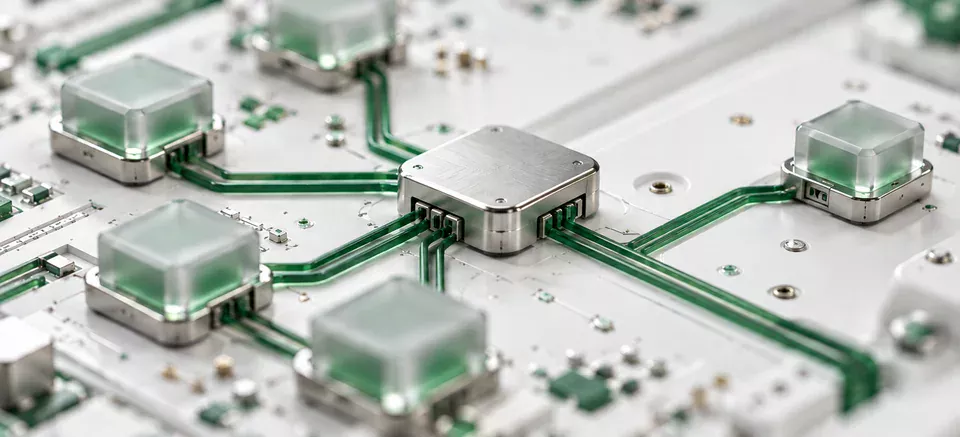
Fetch.ai and Cosmos Hub share the same account model.
Transfers depend on an open channel between compatible Cosmos chains.
A separate address format and network model.
Select a supported network in your wallet and match it with the receiving address.
Know your FET
FET first launched as an ERC-20 token on Ethereum. A native version was introduced with the Fetch.ai mainnet, and both representations coexist. An exchange or wallet may support one or both.
Before a transfer, match the sending network to the receiving service’s supported deposit network. A matching ticker alone is not enough, and an ordinary transfer does not convert between networks.
| Network | Fetch.ai | Ethereum |
|---|---|---|
| Token form | Native FET | ERC-20 FET |
| Transaction fees | Paid in FET | Paid in ETH |
| Native staking | Delegate on Fetch.ai | Requires native FET on Fetch.ai |
Token information reviewed on . Market figures are available on CoinMarketCap.
Security
Your keys. Your checks. Your decision.
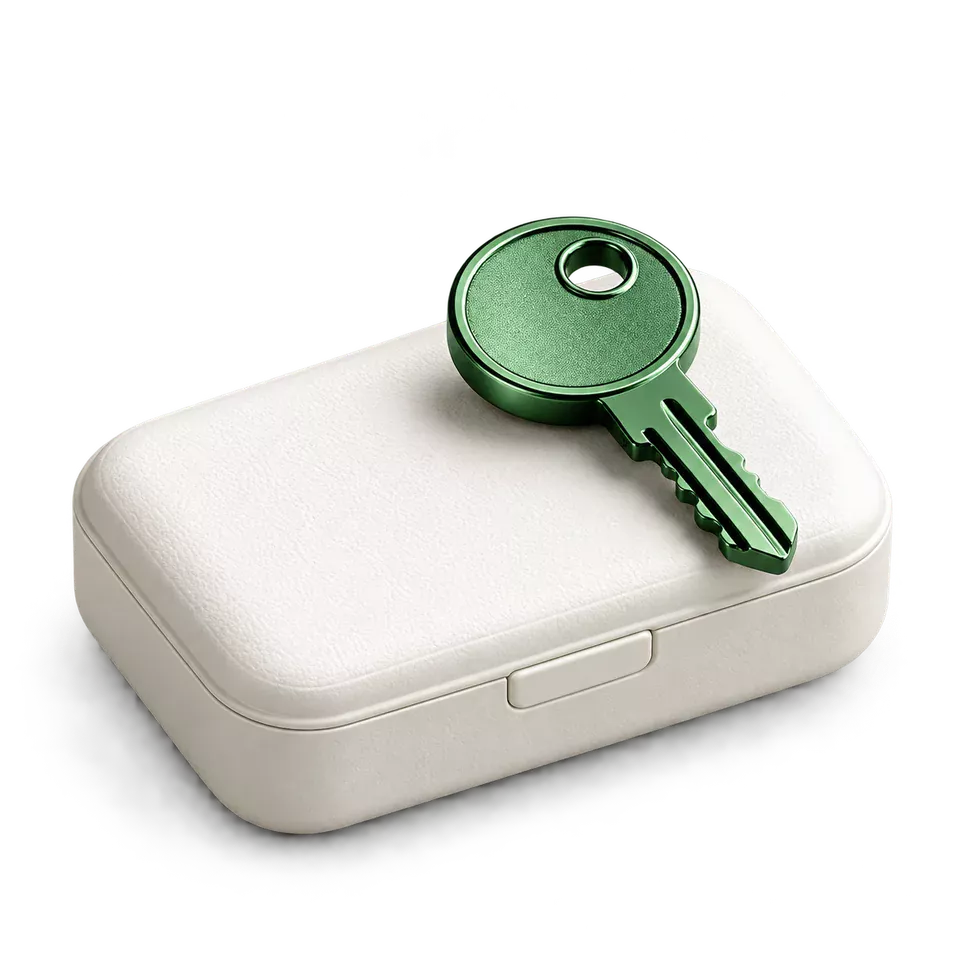
Keep your recovery information private and under your control.

Compare the address with its source and confirm the network.
Approve only requests from apps you recognise and intend to use.

Get new versions from the downloads section on this homepage.
Get started
Choose the installer for Windows, macOS or Linux, or open the app if it’s already installed.
Guide assistant
Find answers in our wallet guides. Choose a topic or ask a question below.
Explore the Help Center
